
Let’s say Firefox is yelling at you (politely) to install an update on your computer, or any application for that matter. But you don’t have the admin credentials to do that. How do you solve this problem? By running updates through the Managed Software Centre. It’s best if this is done on site at St. Catharines.
Here’s how!
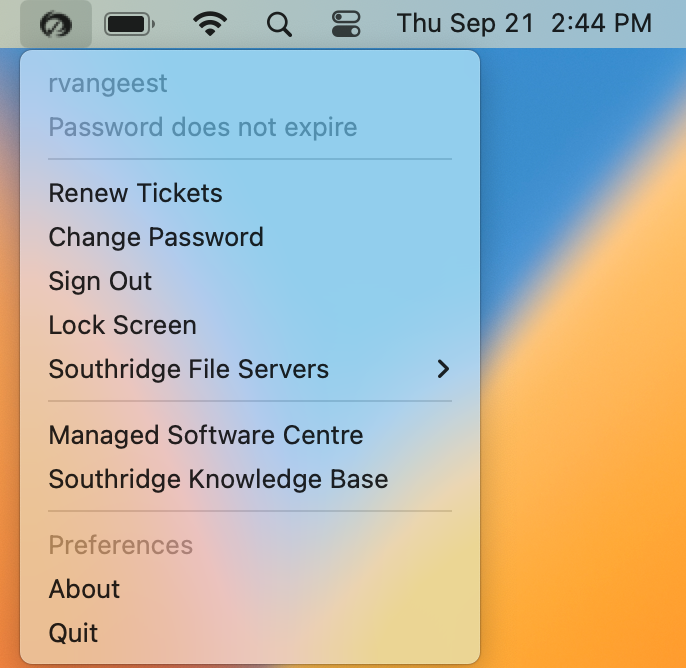
Click the Southridge icon in your menubar.
Click Managed Software Centre from the dropdown list.
You’ll now be prompted with a new window that looks something like this. It may be even be Checking For Updates as you look at it.
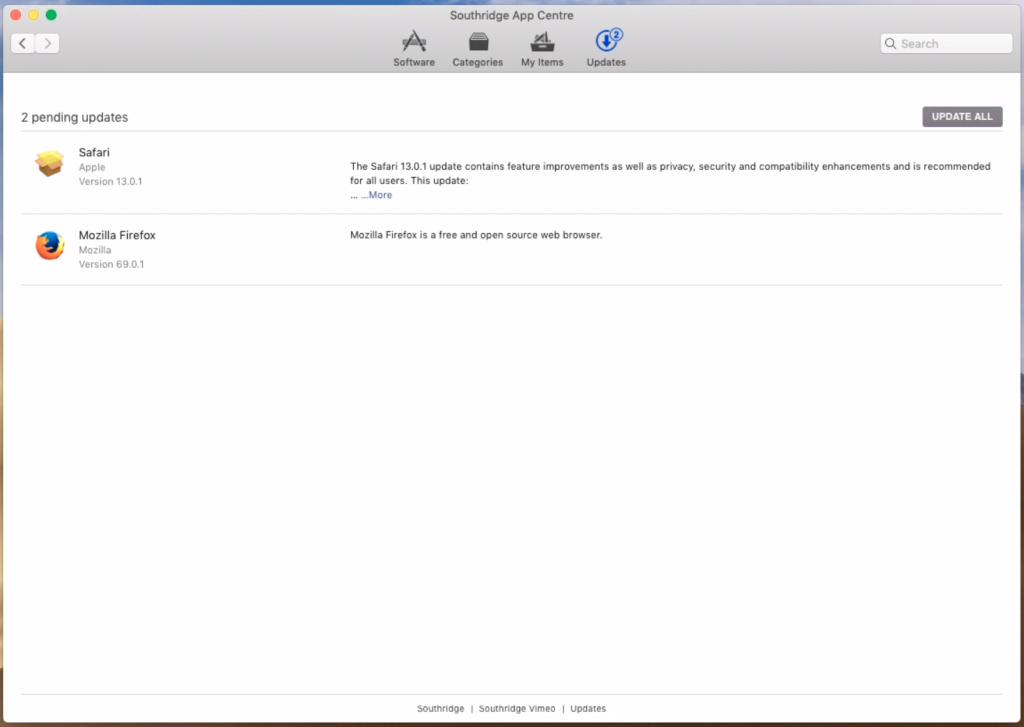
Make sure to choose the Updates tab along the top and then once it’s ready. Choose Update All you’re computer will perform all the updates it needs.
Voila! You’re all up to date!