
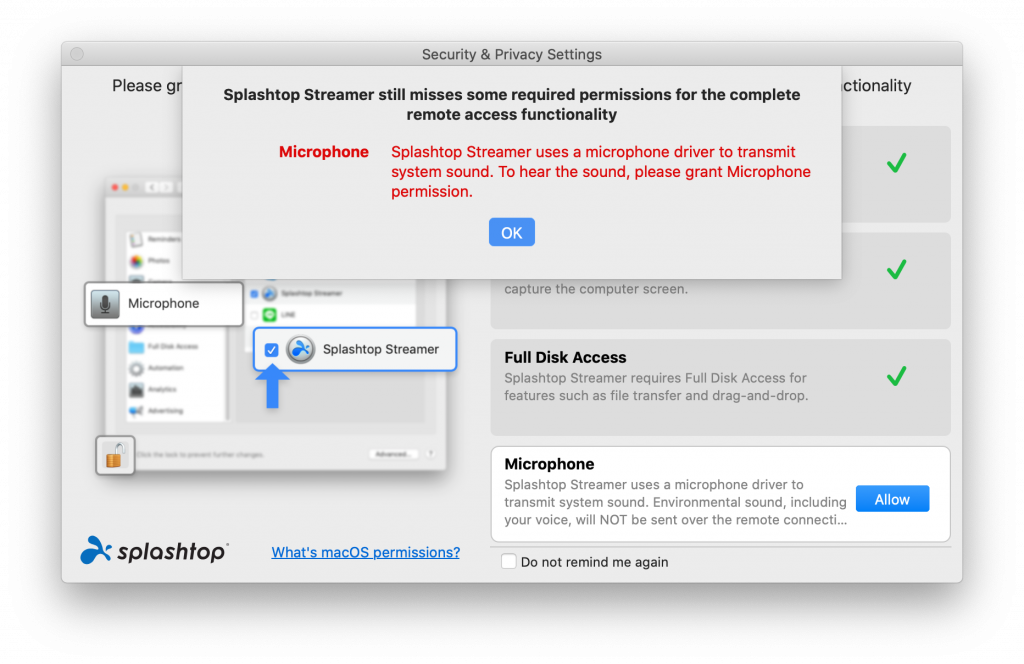
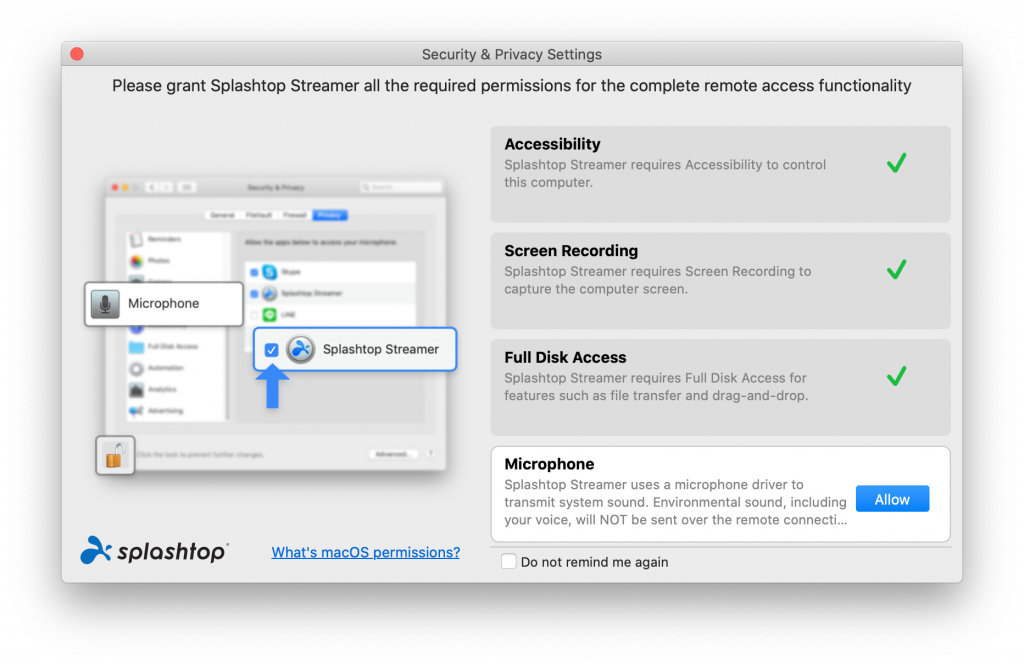
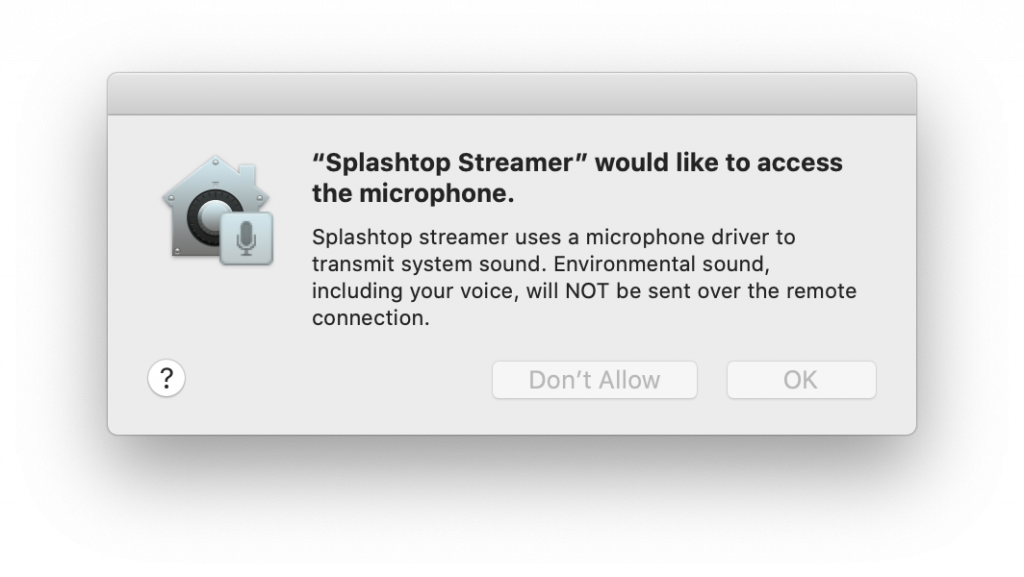
You may have seen a recent prompt asking to grant Microphone permissions to Splashtop. Splashtop is the remote desktop software used to let your IT Administrator connect to your computer wherever you are.
A recent update needs microphone permissions, we don’t actually collect any audio, but it still asks for it to complete the setup.
You can basically follow the prompts to complete this.
That’s it! Splashtop should now be happy and fully configured.